Sustainability Metrics
The Sustainability Metrics section of the dashboard shows a company's reported ESG metric values for the selected reporting period. You can review performance, track year-over-year trends, and set targets.
Accessing the dashboard
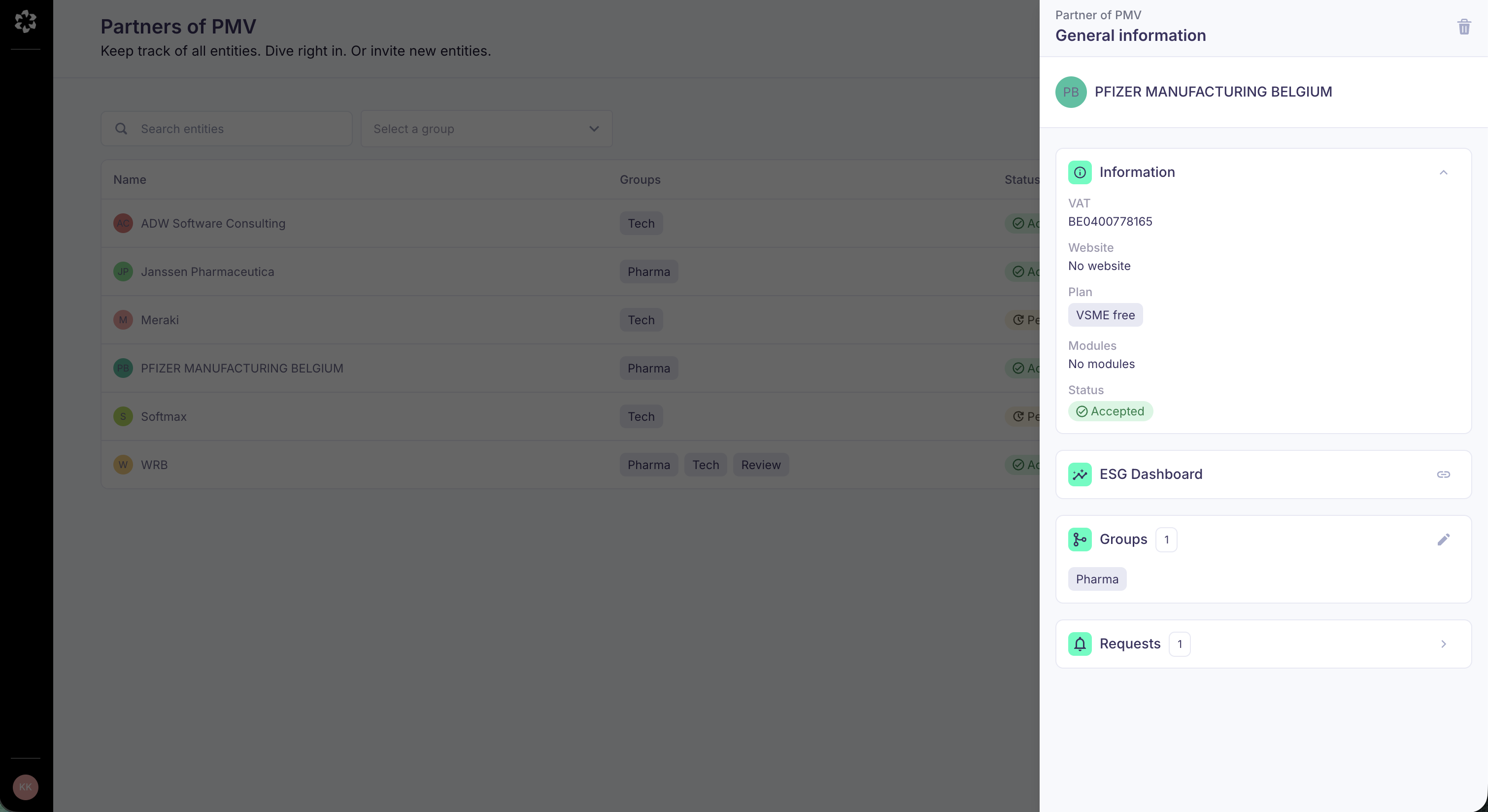
To access the dashboard for a given company, go to your company page, click on the company you're interested in, and click on ESG dashboard.
This link only becomes visible when the status is set to Accepted. The status is set to Accepted when:
- the company completed the report and their legal representative validated the results, and
- they consented to sharing their data with you.
Finding the metrics you need
You can locate metrics quickly in three ways:
- Filters — Filter by (ESRS) topic, SDG, and reporting year to narrow down the dashboard to what matters for your review.
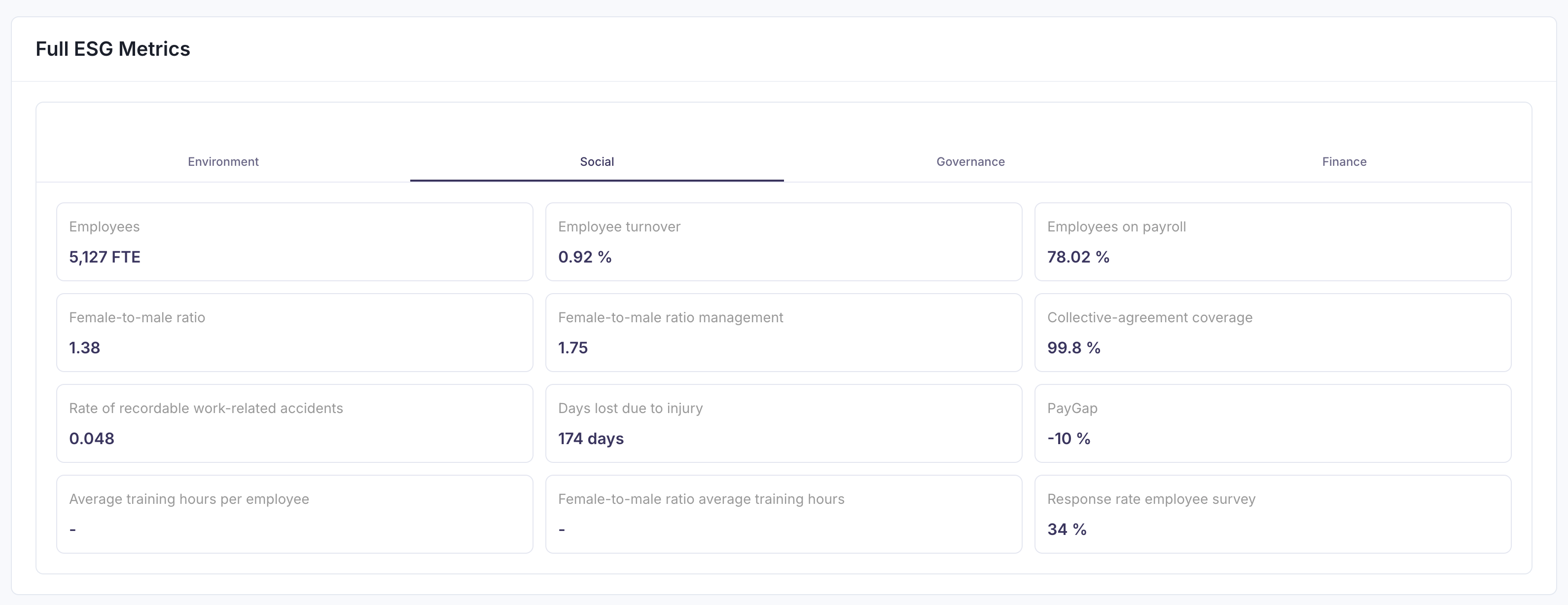
- Tabs — Metrics are grouped into tabs: a first tab with the Metrics most relevant for you, and separate tabs organised by Environmental, Social, Governance and Financial for deeper review.
- See more / see less — When a tab houses more than 12 Metrics, some Metrics will be hidden. Use See more to expand the full list whenever you need it.
Understanding a metric card
Each Metric card shows the company's reported value for the reporting period you are viewing.
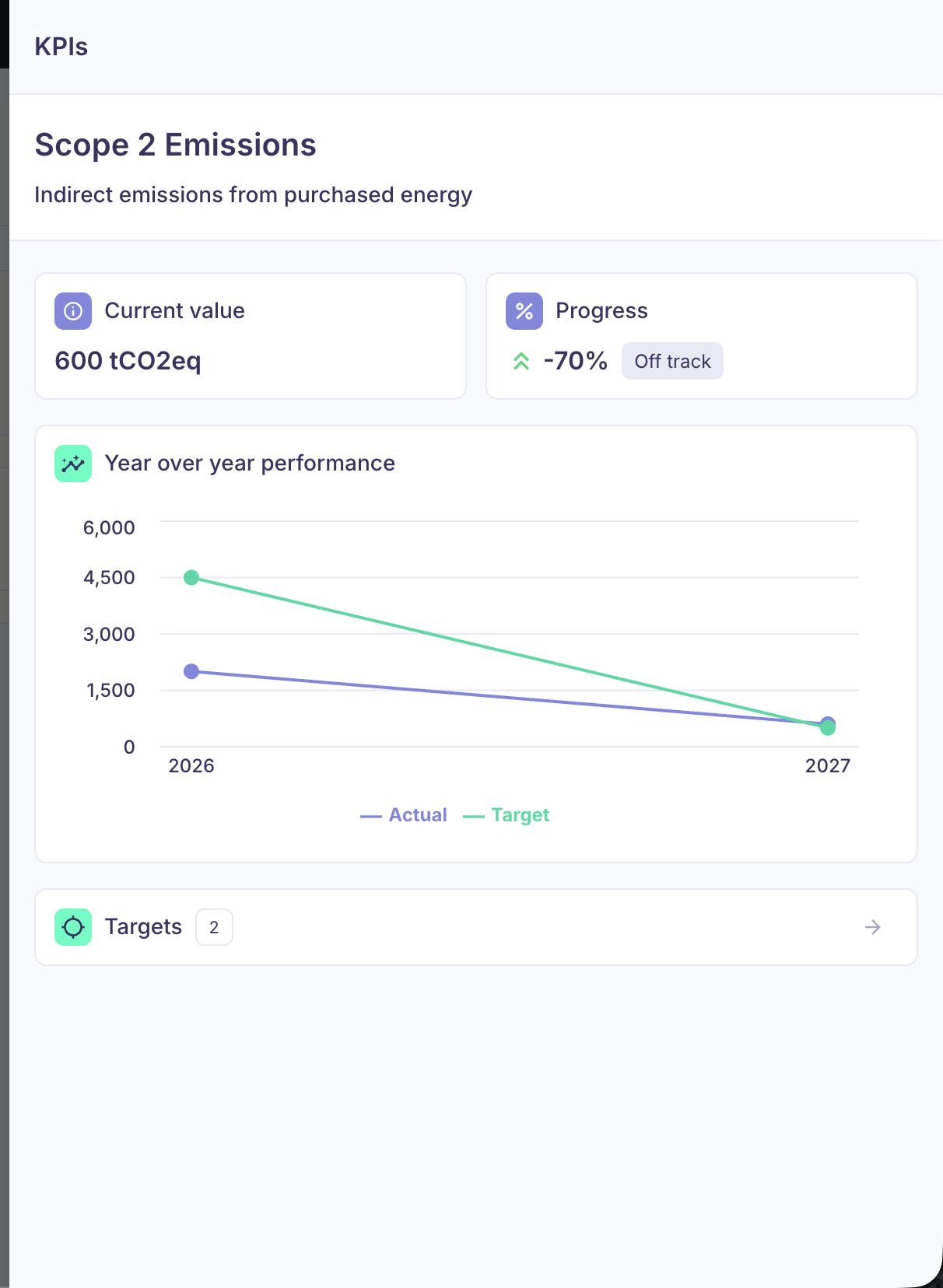
Click a Metric card to open its detail view, see year-over-year progress and set targets.
Setting targets
When relevant, you can set a target for any given Metric or Sustainability Score at the individual company level. Targets are visible only to you and your colleagues — not to the portfolio company.
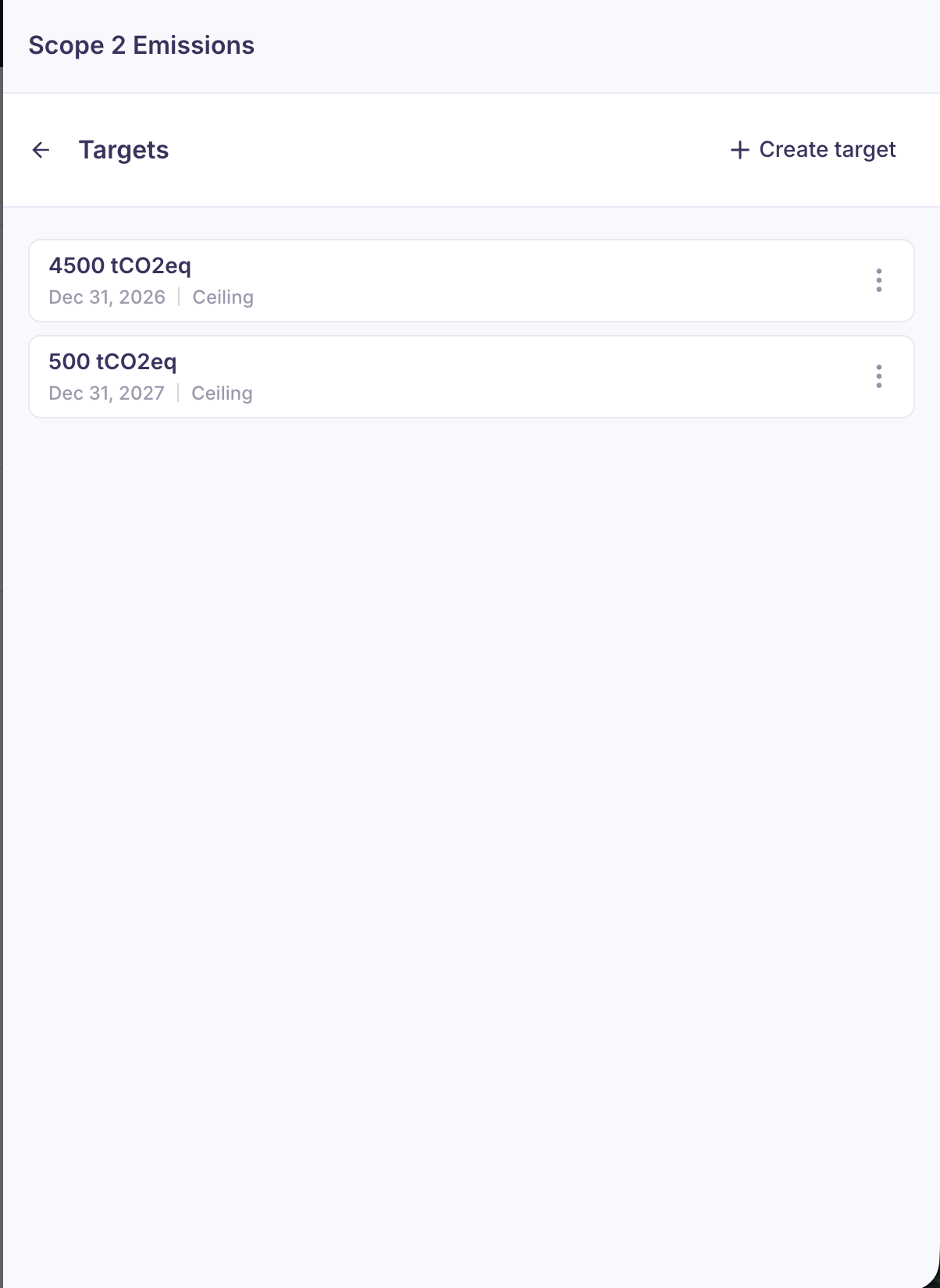
To set a target, click on the respective Metric or Score card to open its detail view. In there, you'll be able to set or edit targets.
Two target types are available:
- Floor target (minimum acceptable value): Set a lower bound that the company should not fall below. Use this for Metrics where higher is better (e.g., % women in management, % renewable energy use).
- Ceiling target (maximum acceptable value): Set an upper bound that the company should not exceed. Use this for Metrics where lower is better (e.g., CO₂ emissions intensity, waste per unit, water consumption).
Examples:
- Floor target: "By end of 2025, female representation in management must be at least 30%" (lower limit — you want them to stay at or above this).
- Ceiling target: "By end of 2025, GHG emissions intensity must not exceed 5 tonnes CO₂e per €1M revenue" (upper limit — you want them to stay at or below this).