Send Out Surveys
Before distributing your survey to stakeholders, do a test run yourself to experience the full flow and check that everything looks correct.
Survey flow
Every survey follows a seven-step sequence:
- Introduction — Welcome message and context for the respondent.
- Topic ranking — Respondents rank the ESG topics by relevance to their area of knowledge or interest.
- Expertise declaration — Respondents indicate their level of expertise for the topics they will score.
- Scoring — Respondents score the IROs assigned to their stakeholder group. The number of questions shown is limited by your configured maximum and dynamically selected based on topic ranking and expertise.
- Results summary — A summary of the respondent's scores, shown before submission.
- Email capture — Optional step to collect the respondent's email address for follow-up.
- Thank you — Confirmation that the response has been submitted.
Dynamic question selection
Not every respondent sees every question. Karomia selects which scoring questions to show each respondent based on:
- Topic ranking — Higher-ranked topics are prioritised.
- Expertise — Topics where the respondent has declared expertise are weighted for inclusion.
- Response count — Topics with fewer responses across the group are prioritised to ensure coverage.
This keeps the survey to a manageable length while maximising coverage across all IROs.
Distributing the survey
Each survey generates a unique URL. Share this link with your stakeholders via email, internal communication platforms, or any other channel. You can copy the URL directly from the survey settings.
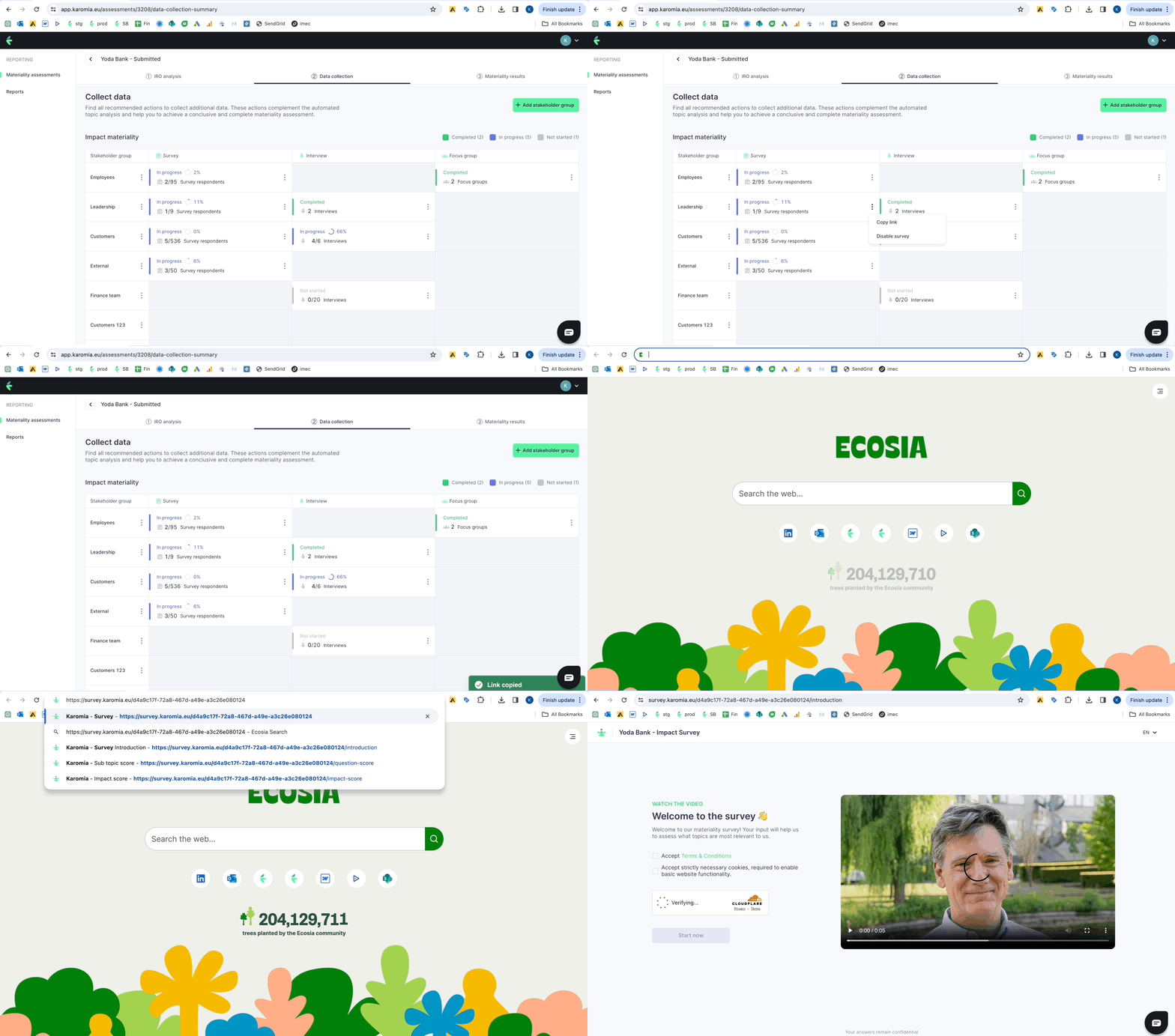
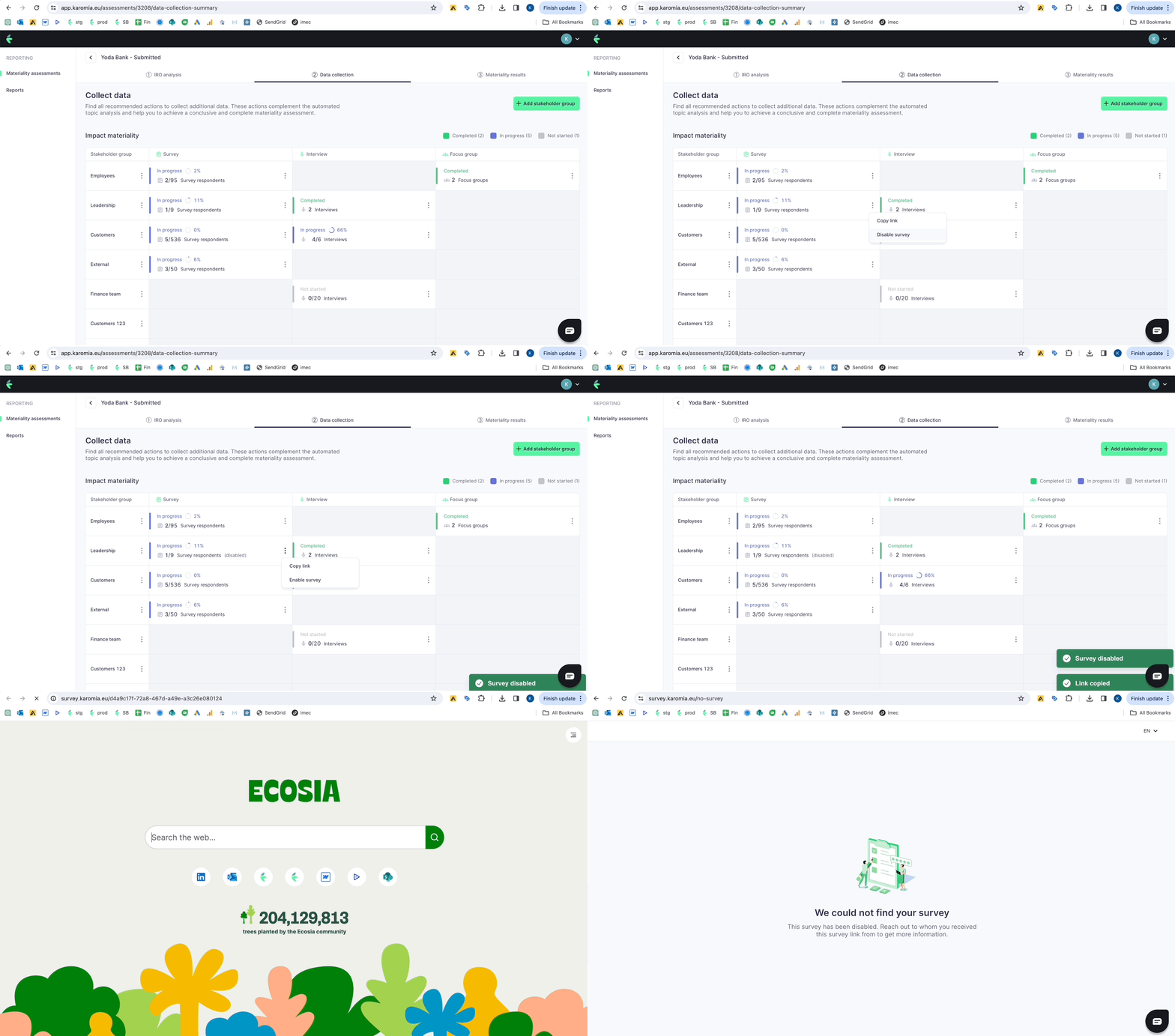
Toggle the survey between active and inactive states to control when responses can be submitted. Disable the survey once your target response count is reached or your collection window closes.
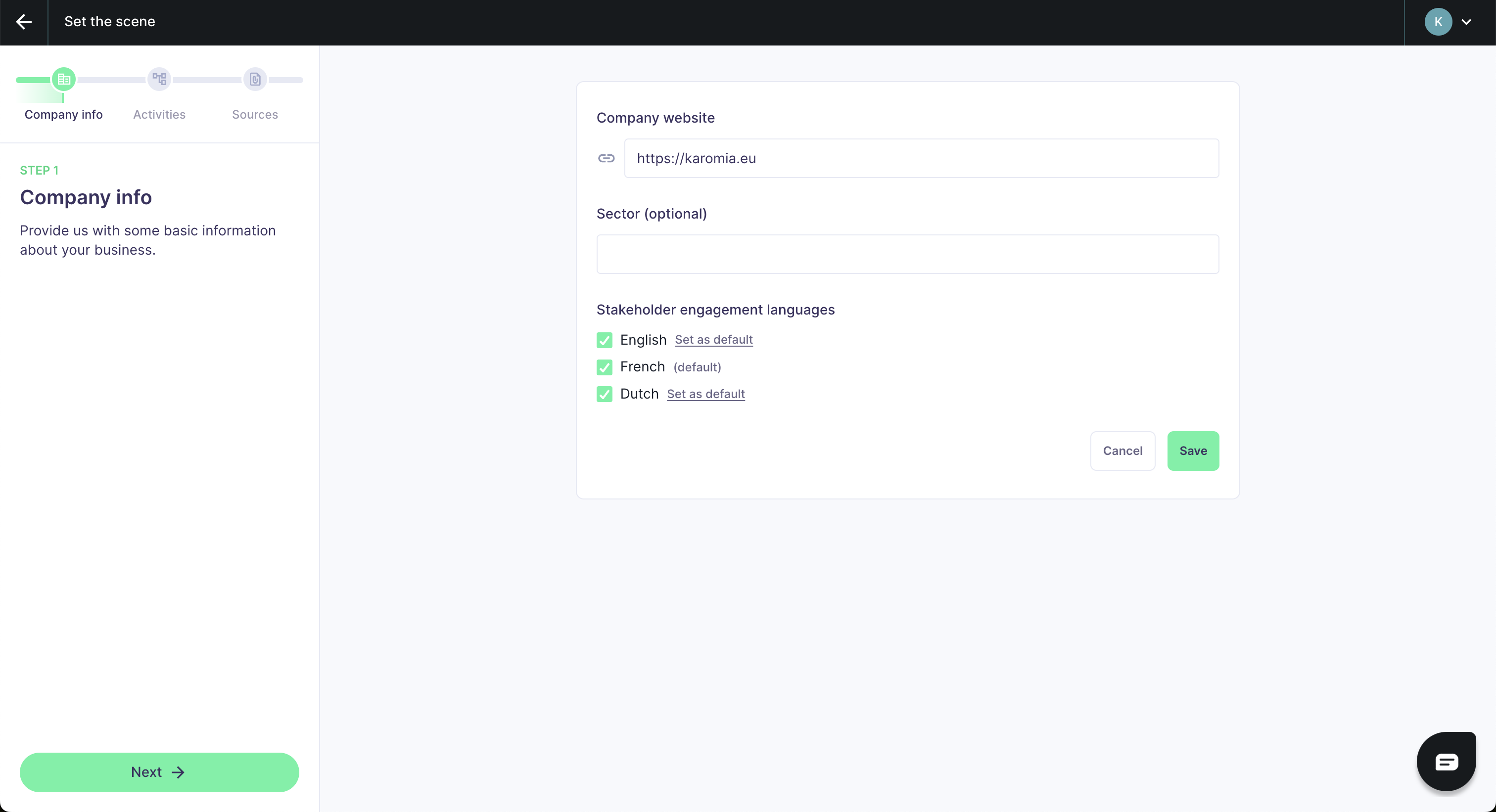
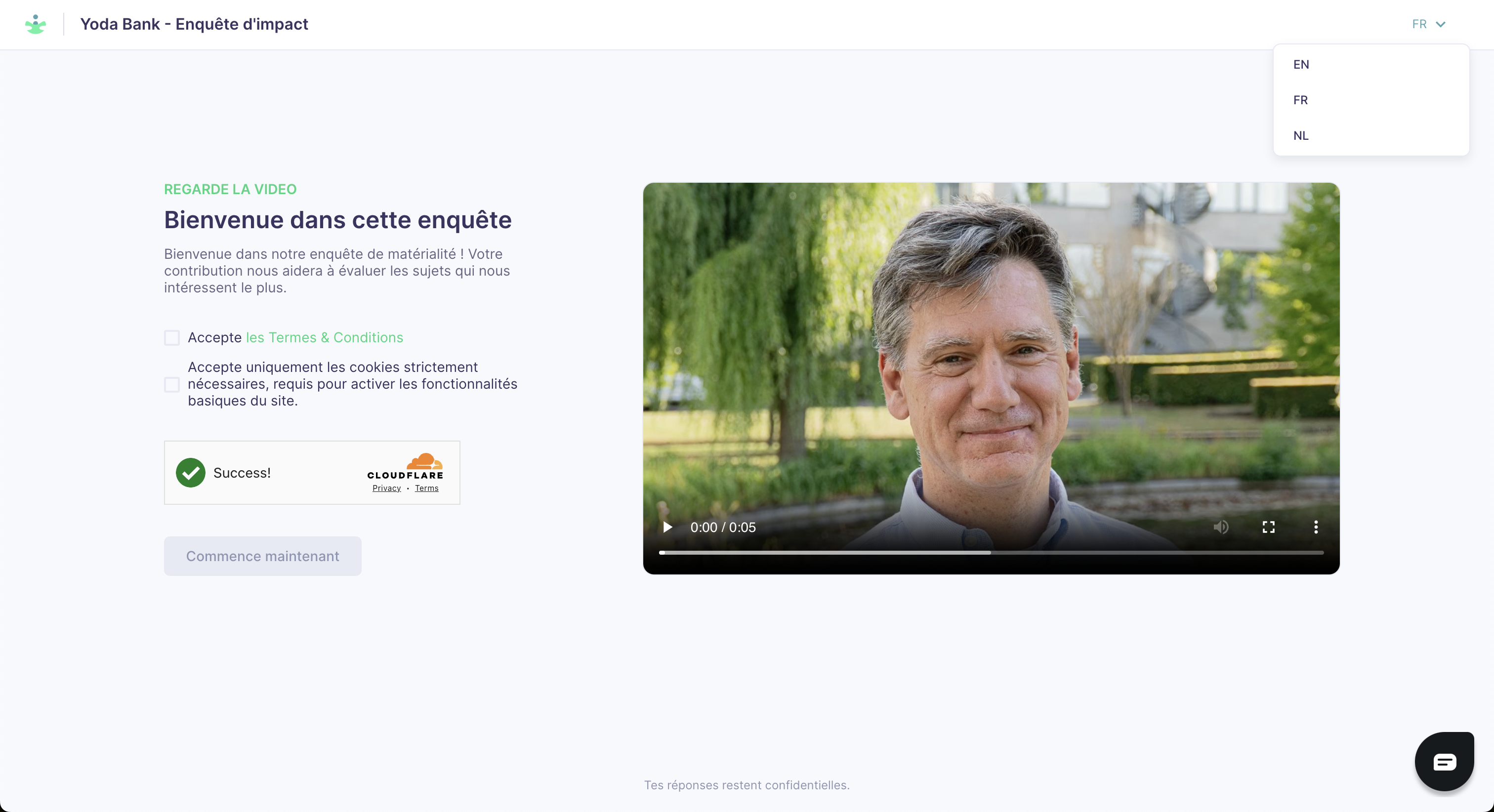
If your assessment is configured for multiple languages, a language toggle appears at the top right of the survey. The default language is shown first; respondents can switch at any time.
Send yourself a test link before distributing. The test run does not count as a real response, so you can complete it as many times as needed without affecting your data.
For guidance on what respondents see and how to help them complete the survey, see the Survey respondent guide.