Organise Focus Groups
Focus groups bring multiple stakeholders together to score IROs collectively, with the goal of reaching group consensus. A facilitator runs the session and enters the agreed scores into Karomia.
Preparing for focus groups
Before your session, do a test run to familiarise yourself with the flow. Plan for approximately 90 minutes per session with around 40 questions. Print score cards for each participant to use during the session — participants record their individual scores on paper before the group discusses and agrees on a final score.
Starting the session
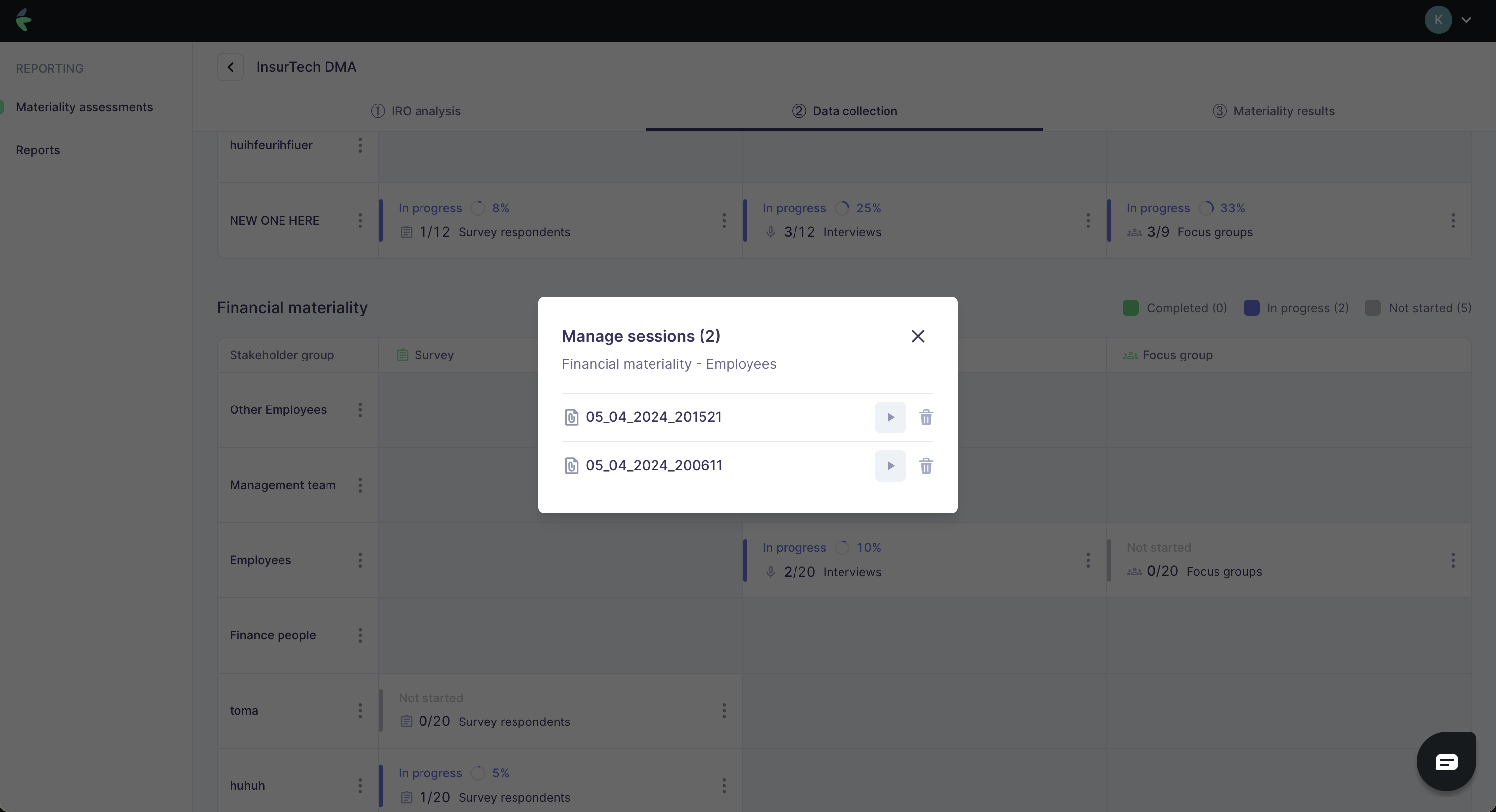
Click Start session on the Karomia platform to open the focus group interface in a new browser tab. Indicate the total number of participants before proceeding.
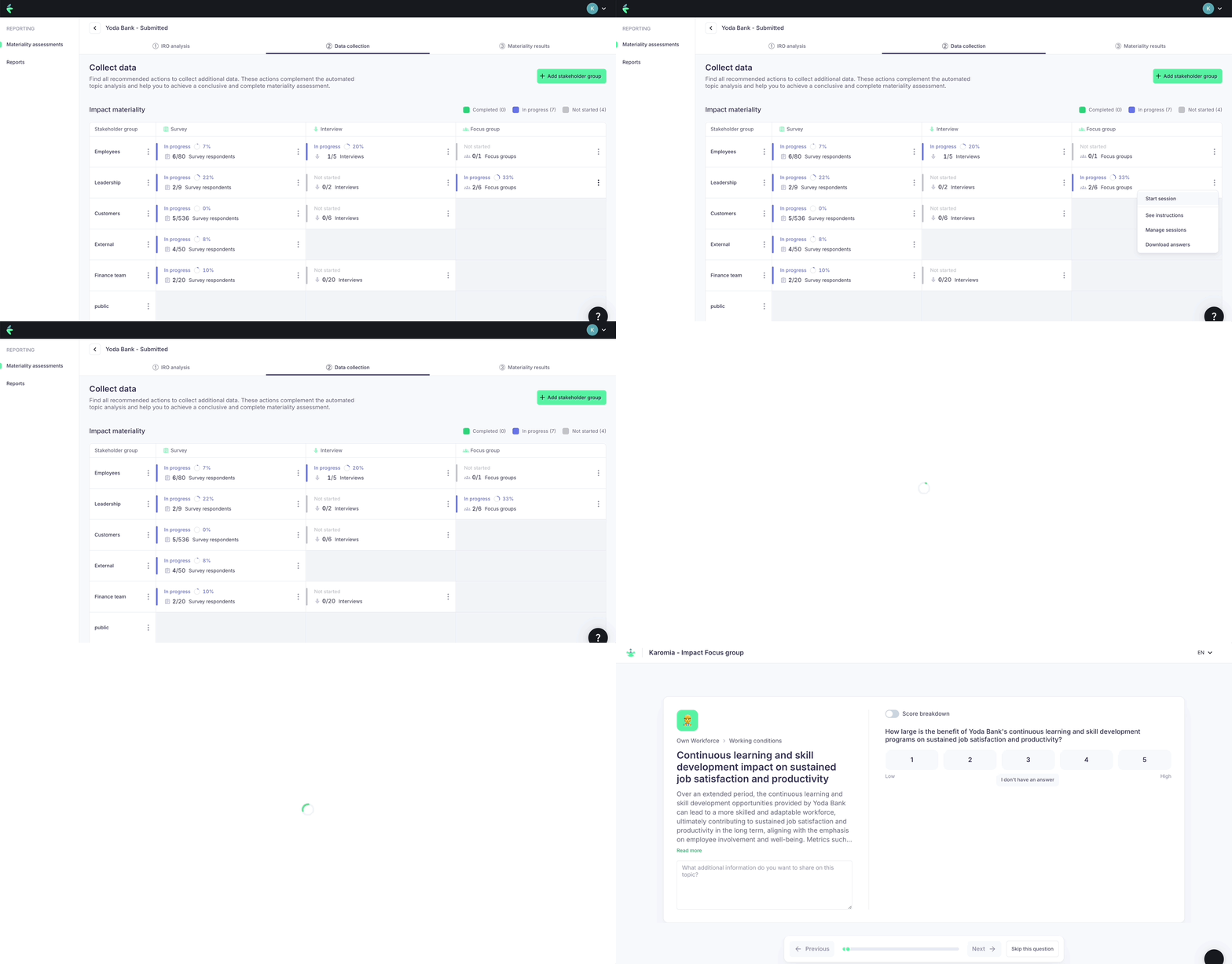
Focus group flow
-
Scoring — Participants score each IRO individually using their printed score cards. The facilitator then presents the scores to the group.
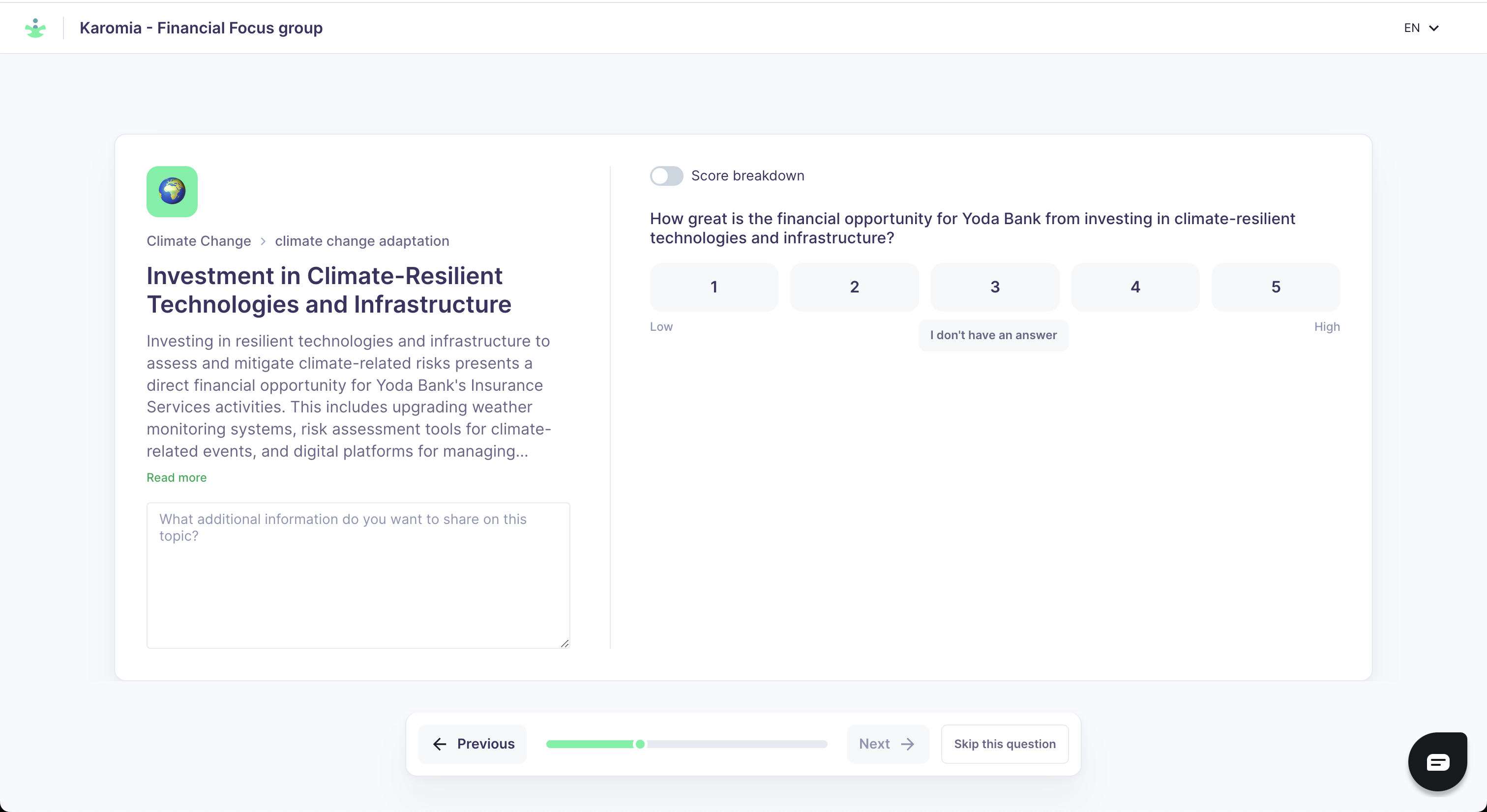
-
Score breakdown (optional) — Toggle the score breakdown view to show individual dimension scores (scale, scope, likelihood, etc.) rather than a single combined score. This can help the group understand where differences of opinion lie.
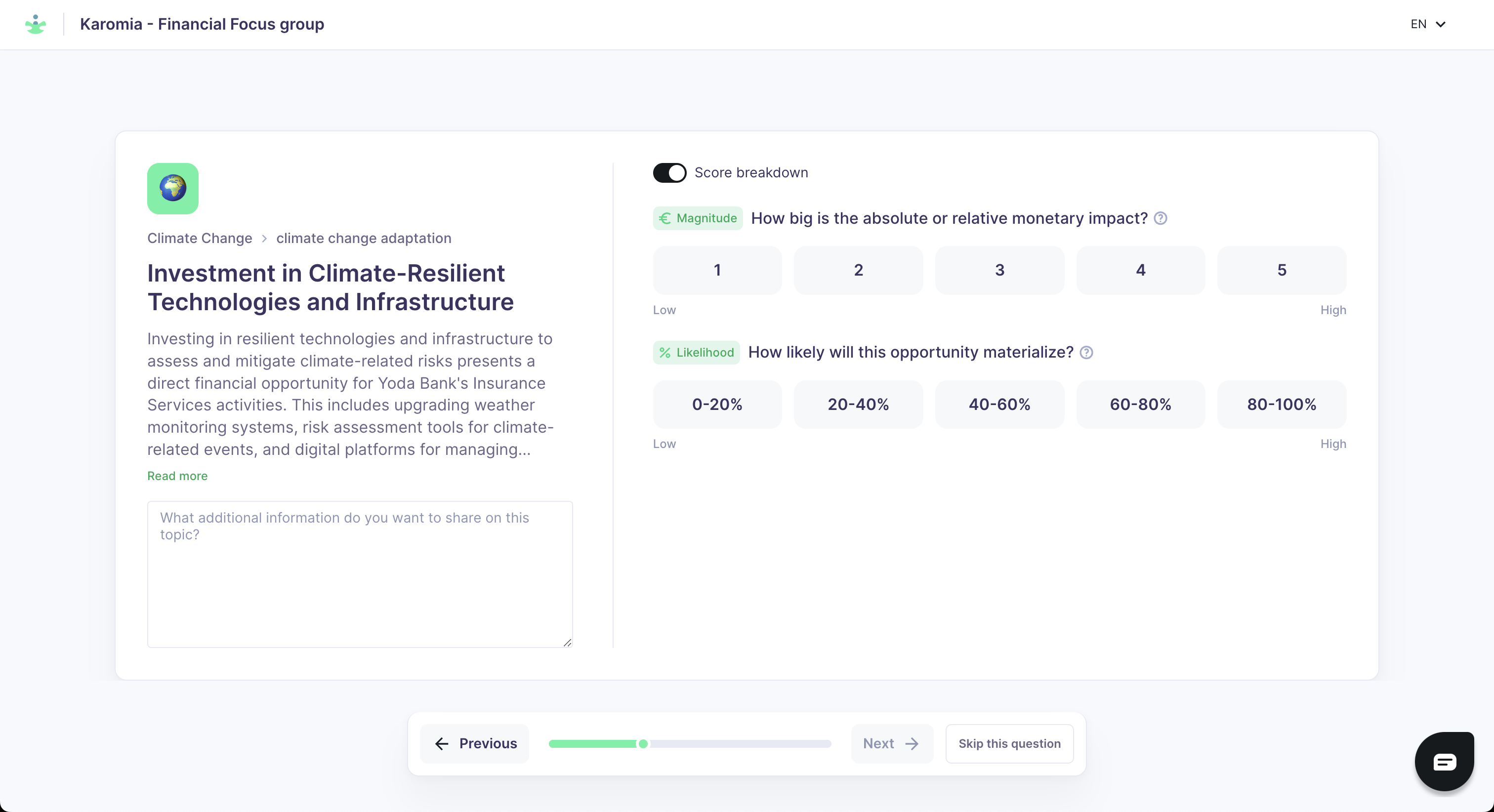
-
Consensus — The group discusses and agrees on a final score for each IRO. The facilitator enters the agreed score into Karomia. Record all participant comments in the comment box.
-
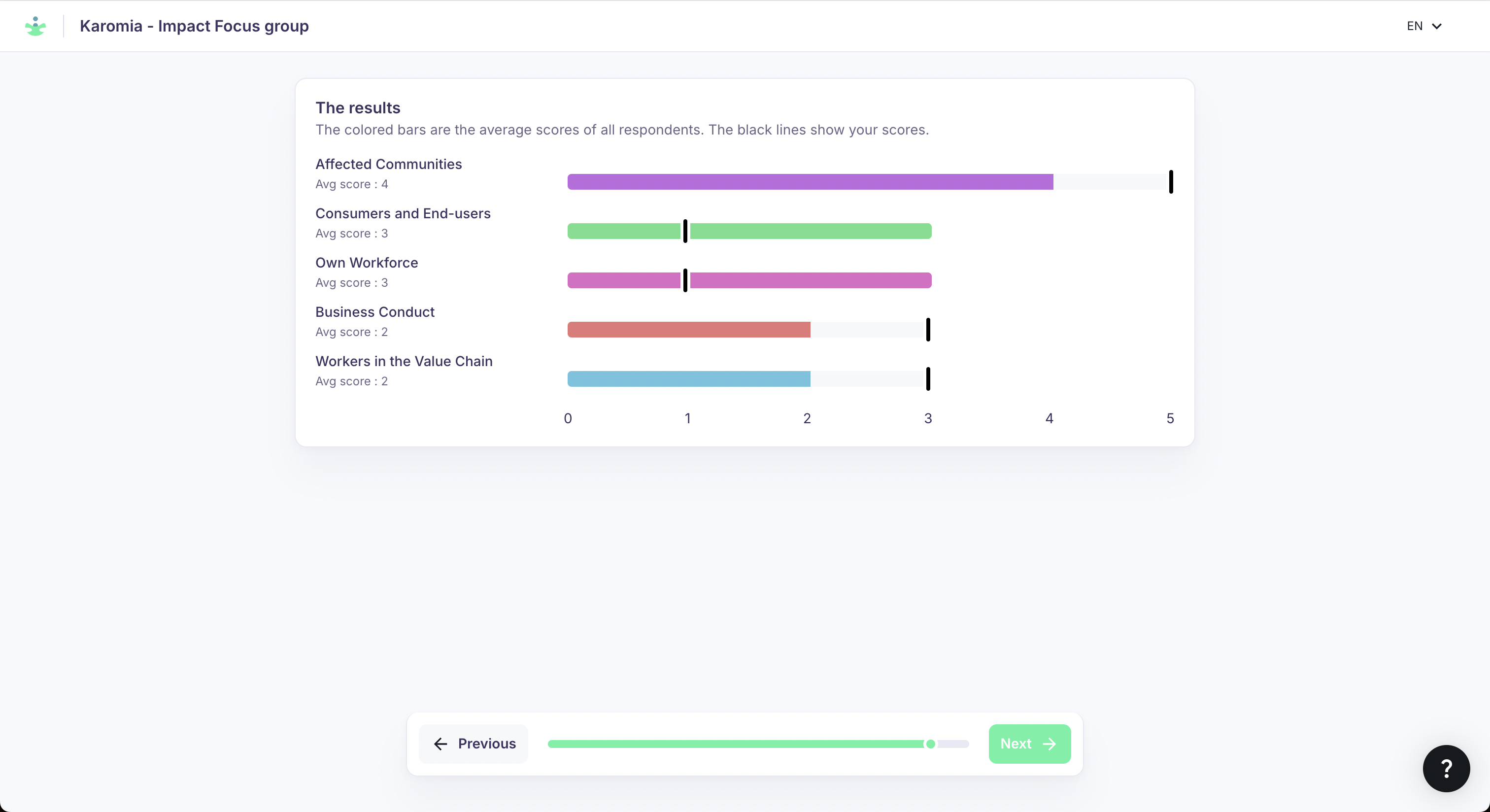
Results summary — After all questions are scored, participants see a summary by topic. They can request score adjustments; click Previous to revisit questions.
Guiding toward consensus
When the group is divided on a score, guide the discussion toward the factors driving the disagreement. Use the score breakdown dimensions as a framework:
- Is the disagreement about the scale of the impact or risk?
- Is it about likelihood of occurrence?
- Is it about the scope — how many people or ecosystems are affected?
Reaching consensus is preferable to averaging, as averaged scores can obscure the reasoning behind the result.
Follow-up editing
Scores can be edited after the session. Use this to incorporate any clarifications agreed after the session ends. Delete any test sessions created during your preparation.