Conduct Interviews
Interviews allow you to collect in-depth, expert-level input from individual stakeholders. A facilitator conducts the interview and enters the stakeholder's responses directly into Karomia during or after the session.
Preparing for interviews
Before your first interview session, do a full test run to familiarise yourself with the flow. Plan for approximately 1 hour per session and expect around 40 questions per respondent, depending on your configuration.
Starting the session
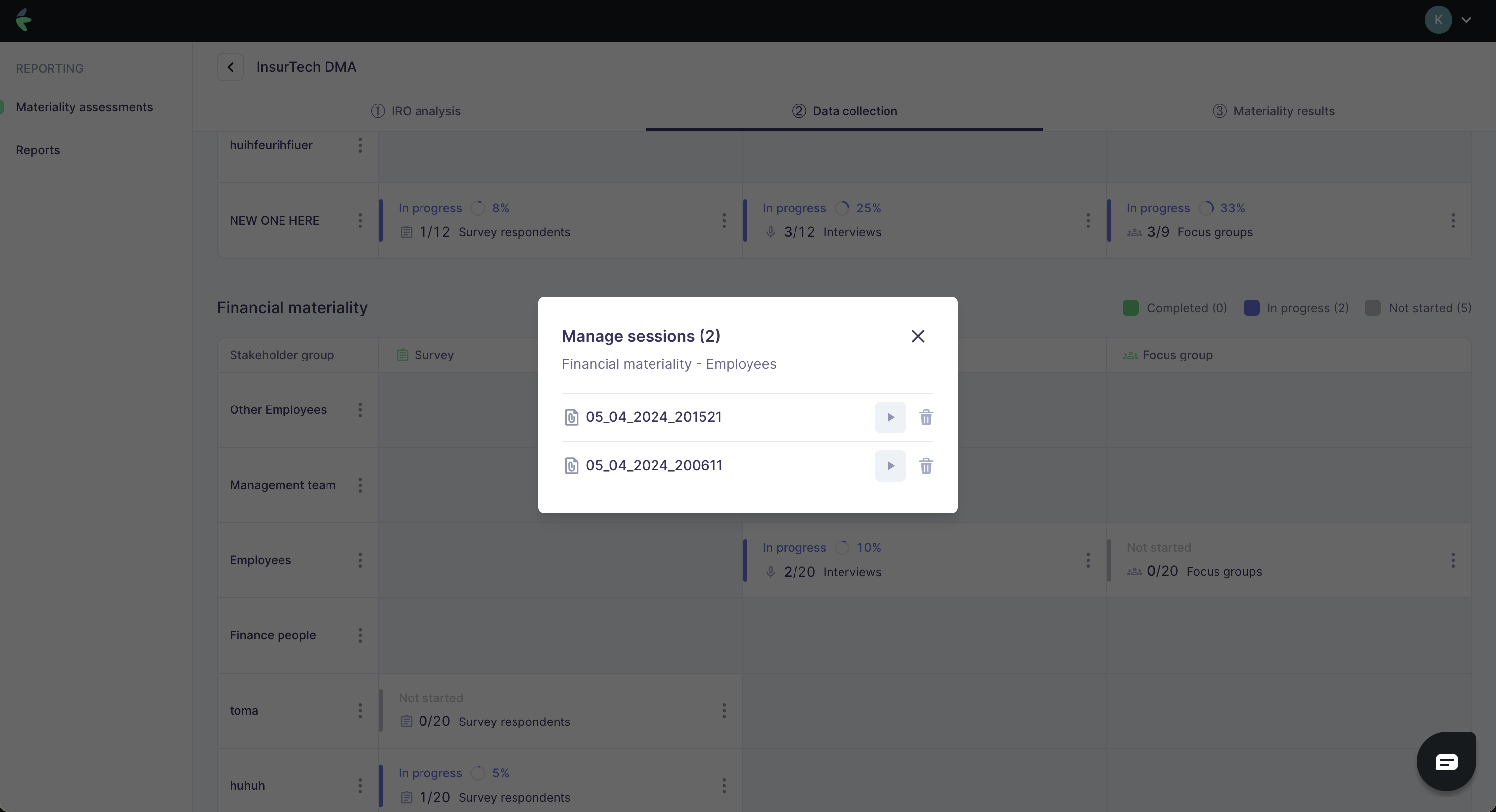
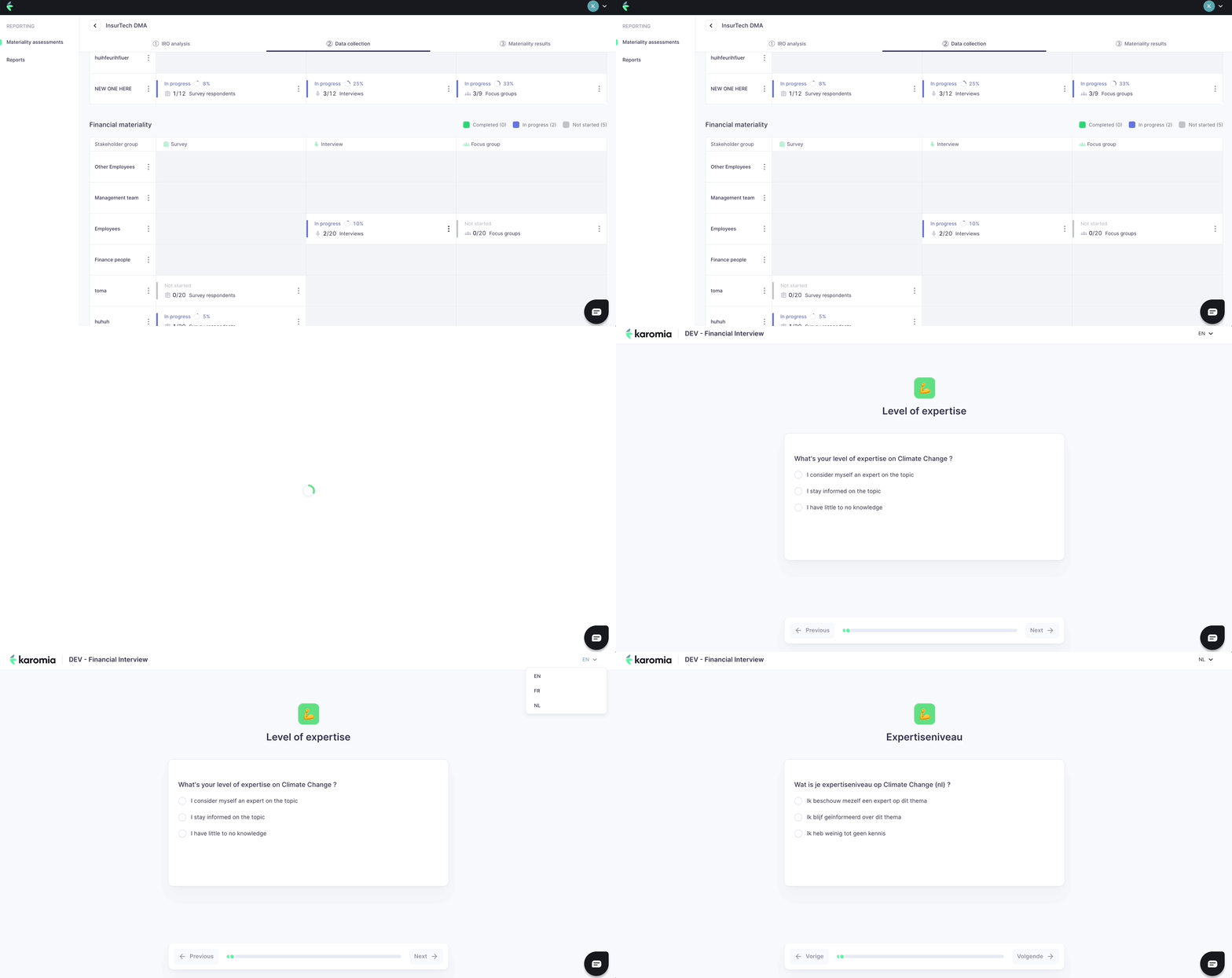
Click Start session on the Karomia platform to open the interview interface in a new browser tab. Change the session language if needed before proceeding.
Interview flow
Interviews follow a structured sequence:
-
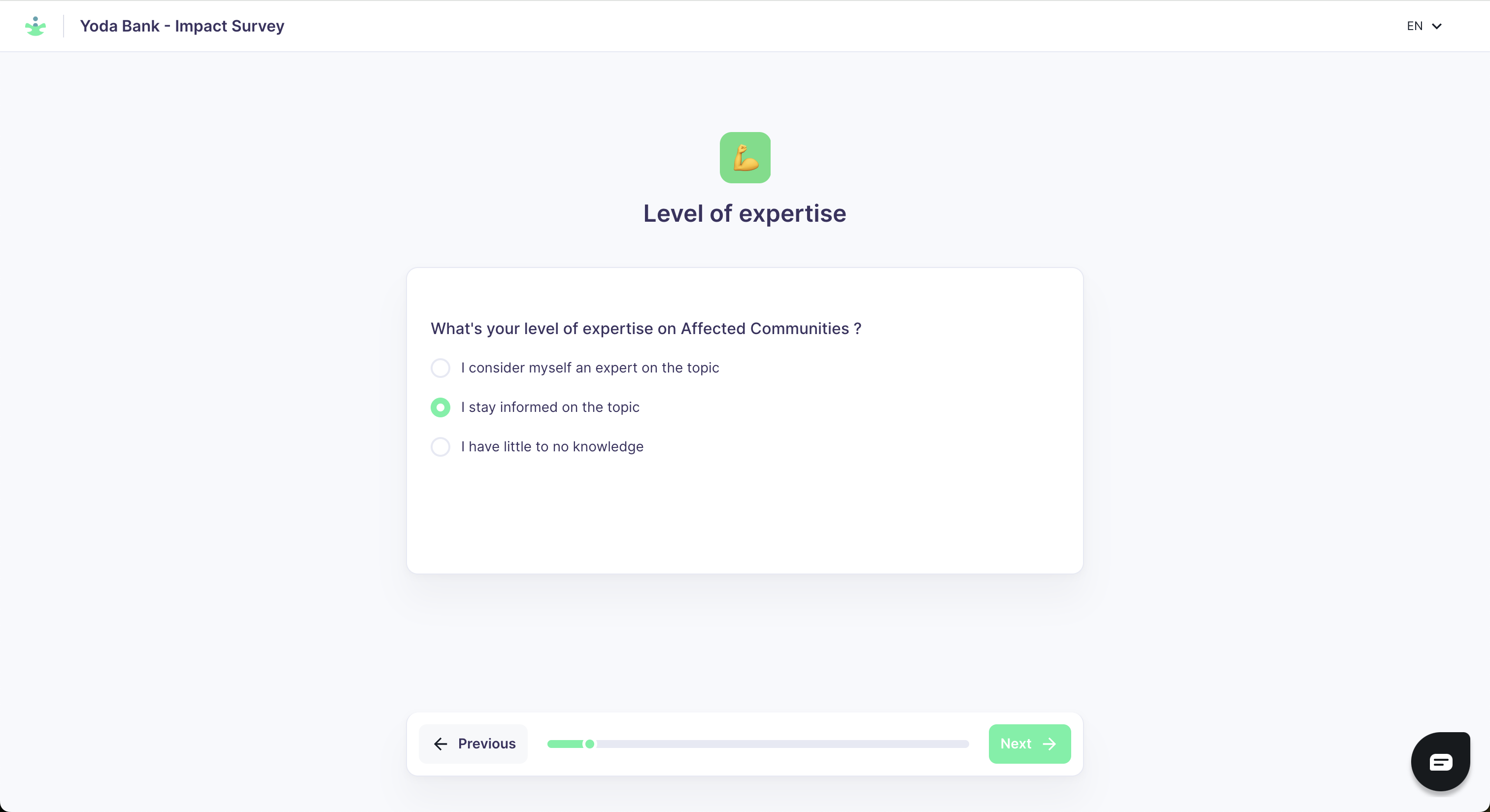
Expertise declaration — The stakeholder indicates their level of expertise for all ten ESRS topics.
-
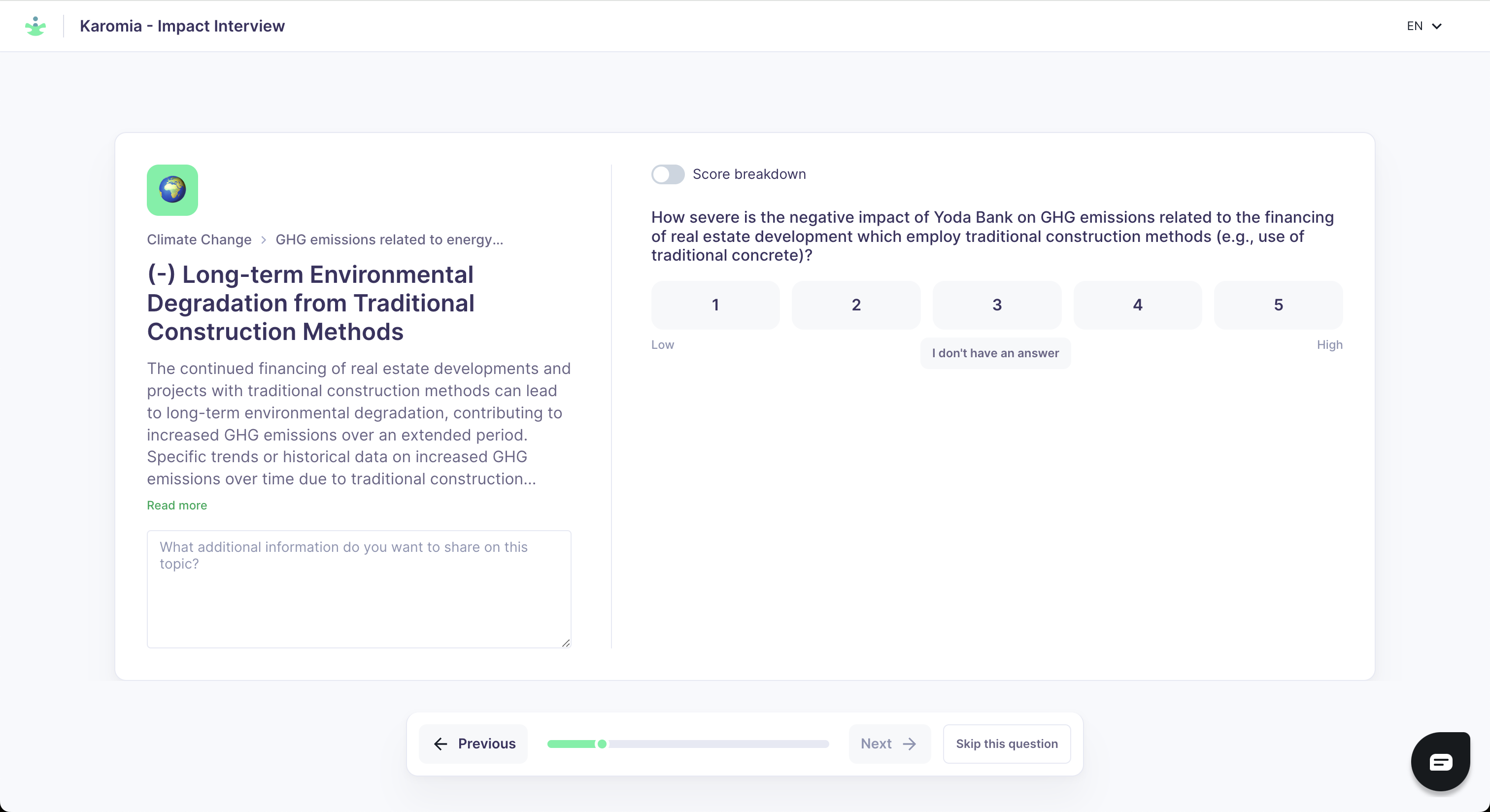
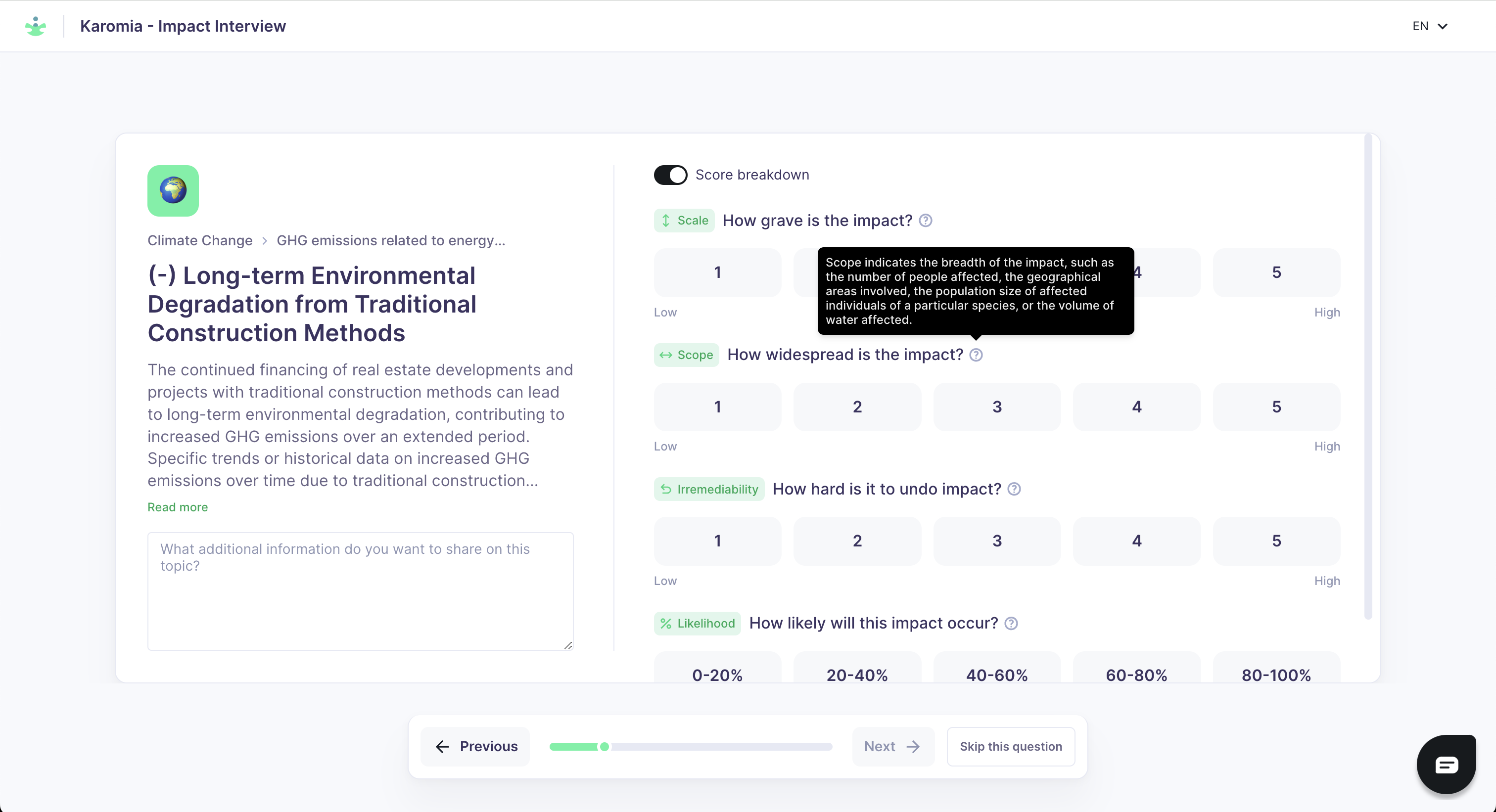
Scoring — The facilitator presents each IRO and records the stakeholder's score. For complex IROs, use the optional score breakdown to record individual dimension scores (scale, scope, likelihood, etc.) rather than a single overall score.
-
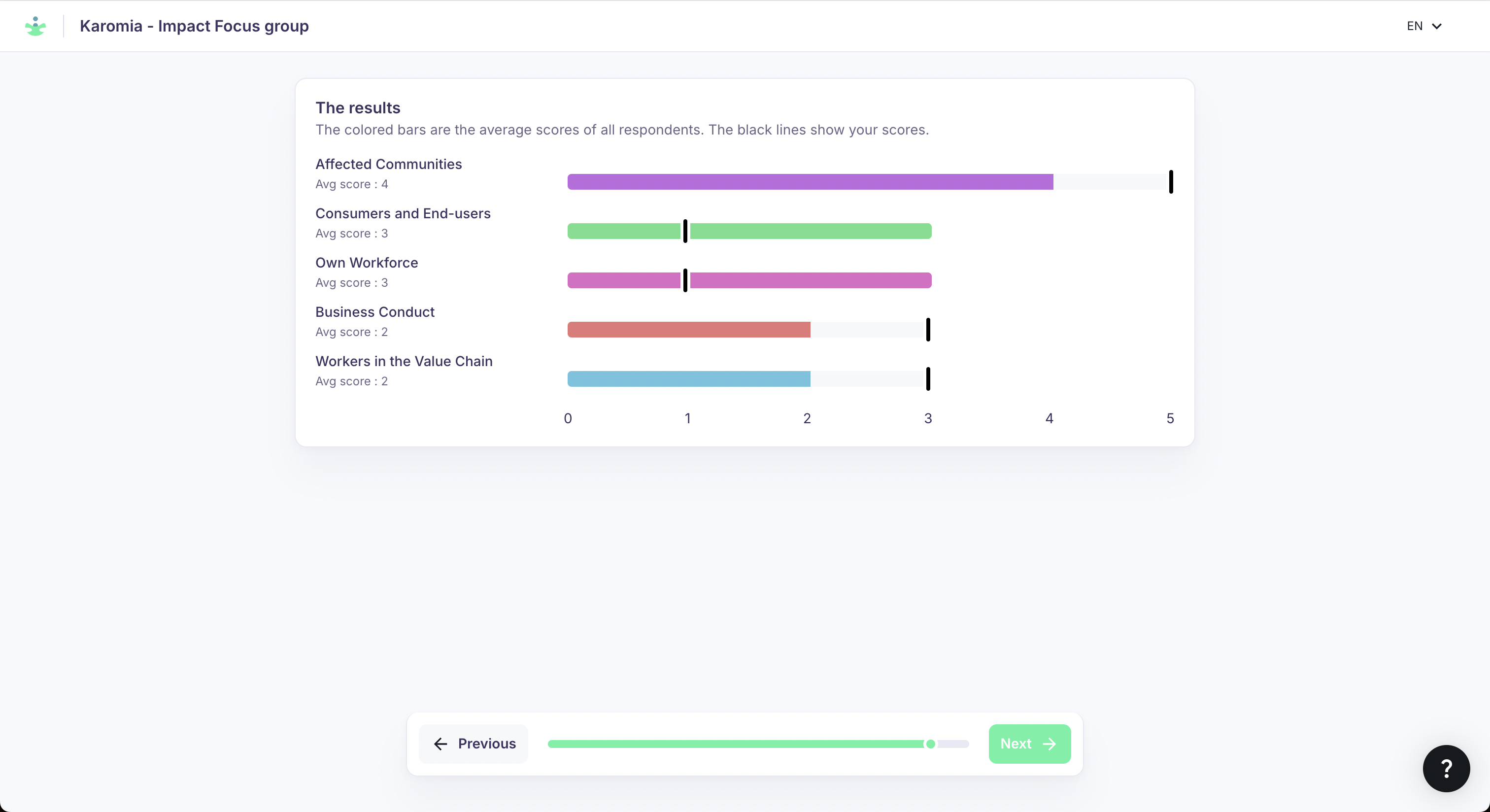
Results summary — A summary of the recorded scores, reviewed before finalising. The stakeholder can request changes at this point; click Previous to adjust scores, then return to the summary.
-
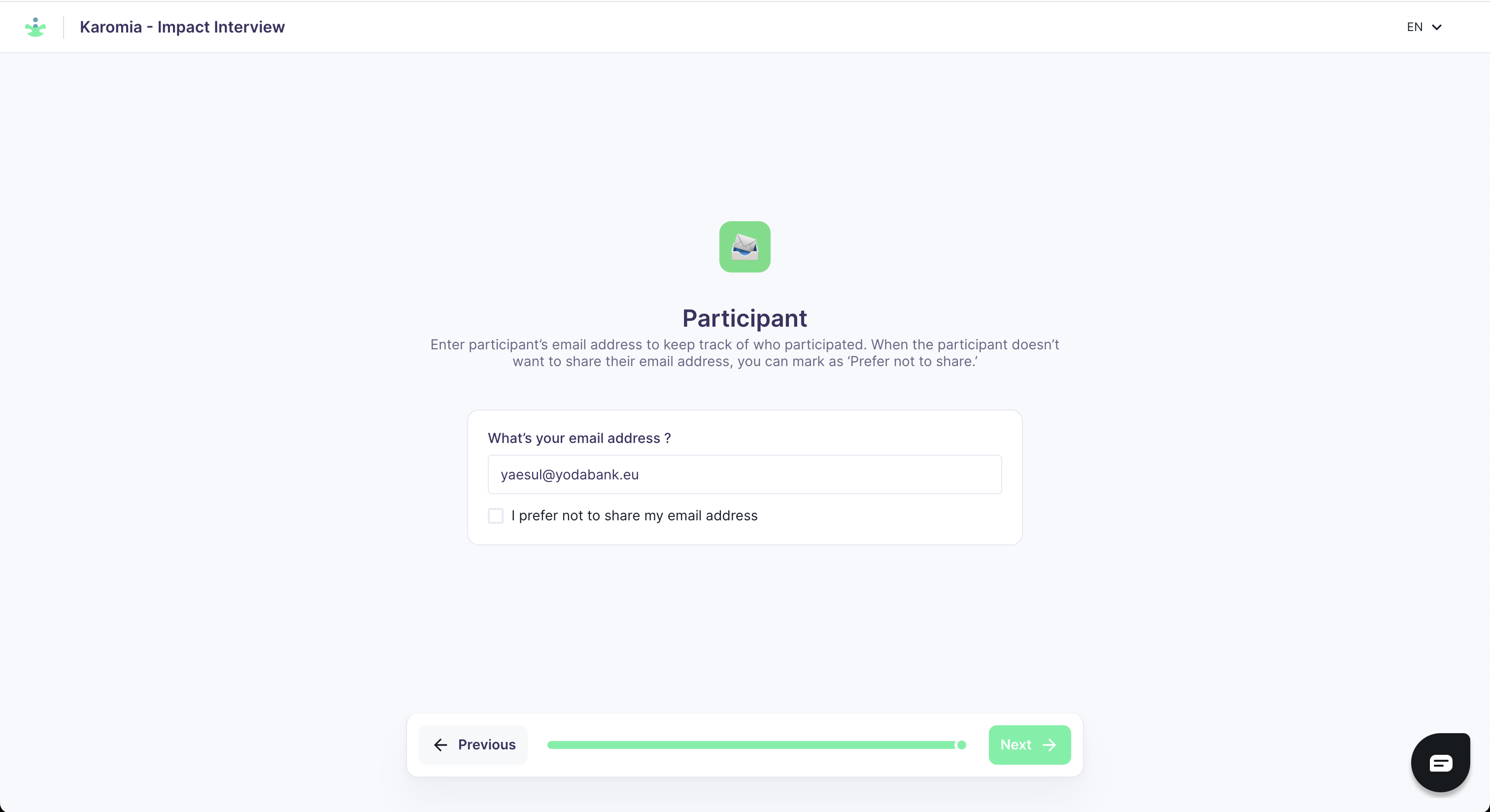
Email capture — Optional step to record the stakeholder's email address.
Follow-up editing
Responses can be edited after the session if clarifications are needed. Use this to correct errors or incorporate follow-up input from the stakeholder before the data collection phase closes. Delete any test sessions created during your preparation.